Appearance
Deployment Vite Plugin SSR to Heroku
Assumptions
- You have a Vite SSR app that is using the Vite SSR Plugin
- You have a Heroku account
- You have the Heroku CLI installed
- You've copied the boilerplate Vite SSR app (
apps/vite-ssr-app) toapps/m2-site-vpsdirectory - You've named the copied Vite SSR app
m2-site-vpsin theapps/m2-site-vps/package.jsonfile
Preparing the Repo and Vite SSR App
To deploy to Heroku we'll need to prepare the repository and the Vite SSR app so that it can be deployed to Heroku.
We'll need to add a custom Procfile to the root directory of the repository. The Procfile will tell Heroku how to run the Vite SSR app.
We'll also need to add a custom script entries to the package.json file of project root. The custom script etnries will be used to build the app and run it using the Procfile.
Add a
Procfileto the root directory of the repository1.1. Create a new file named
Procfilein the root directory of the repositoryNote the capital
PinProcfile. This is important.1.2. Add the following content to the
Procfile:bashweb: yarn start-heroku-site1.3. Save the
ProcfileAdd a custom script to the
package.jsonfile of project root2.1. Open the
package.jsonfile of project root2.2. Add the following content to the
scriptsobject:json"heroku-postbuild": "yarn build --filter m2-site-vps...", "start-heroku-site": "cd apps/m2-site-vps && yarn dev""heroku-postbuild"is a special script that Heroku will run instead of thebuild. We'll use this script to build the Vite SSR app."start-heroku-site"is a custom script that we'll use to run the Vite SSR app. We'll use this script in theProcfileto tell Heroku how to run the Vite SSR app.2.3. Save the
package.jsonfileCommit the changes and push to your repository/branch
Deploying to Heroku
- Create a new Heroku app
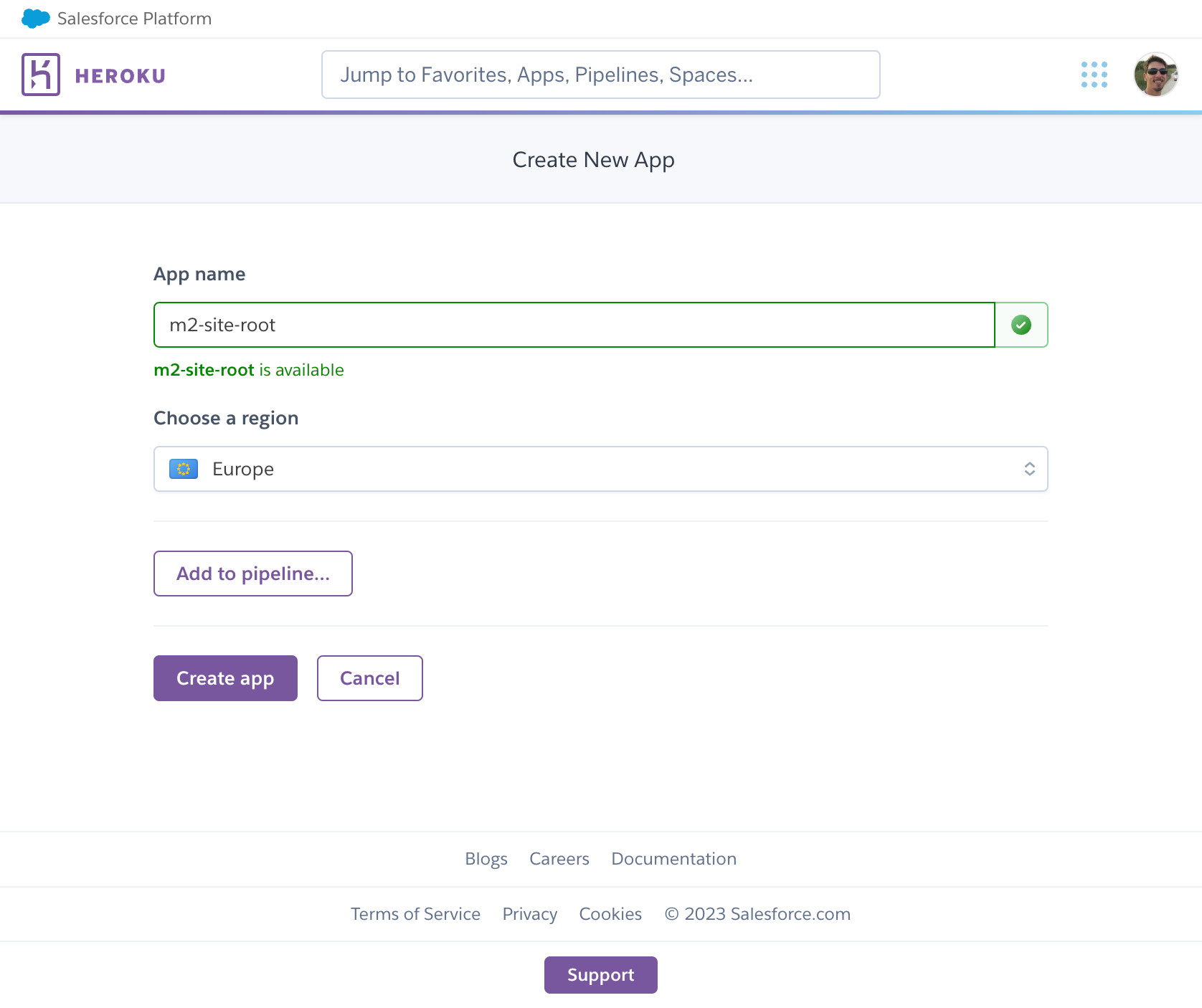
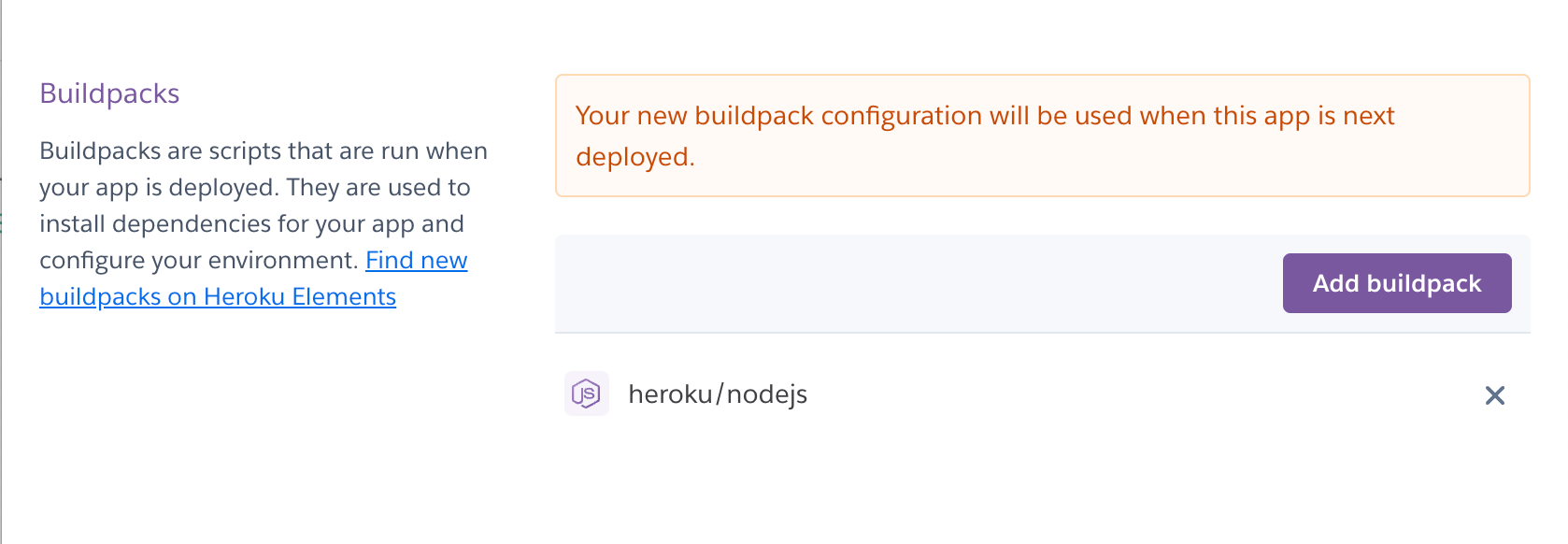
Add a new buildpack:
heroku/nodejs2.1. Click on
Settingstab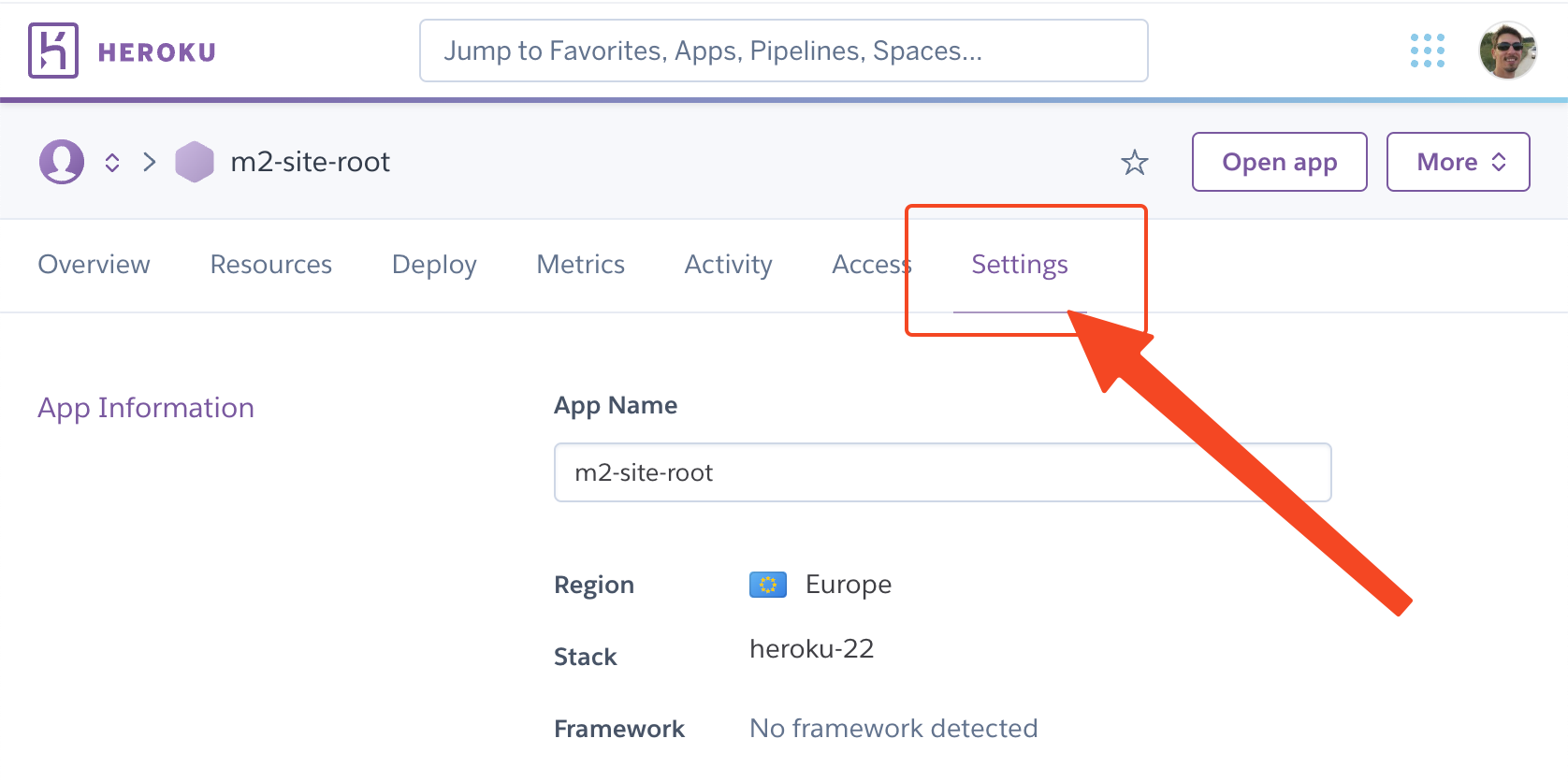
2.2. Scroll down to
Buildpackssection and clickAdd buildpack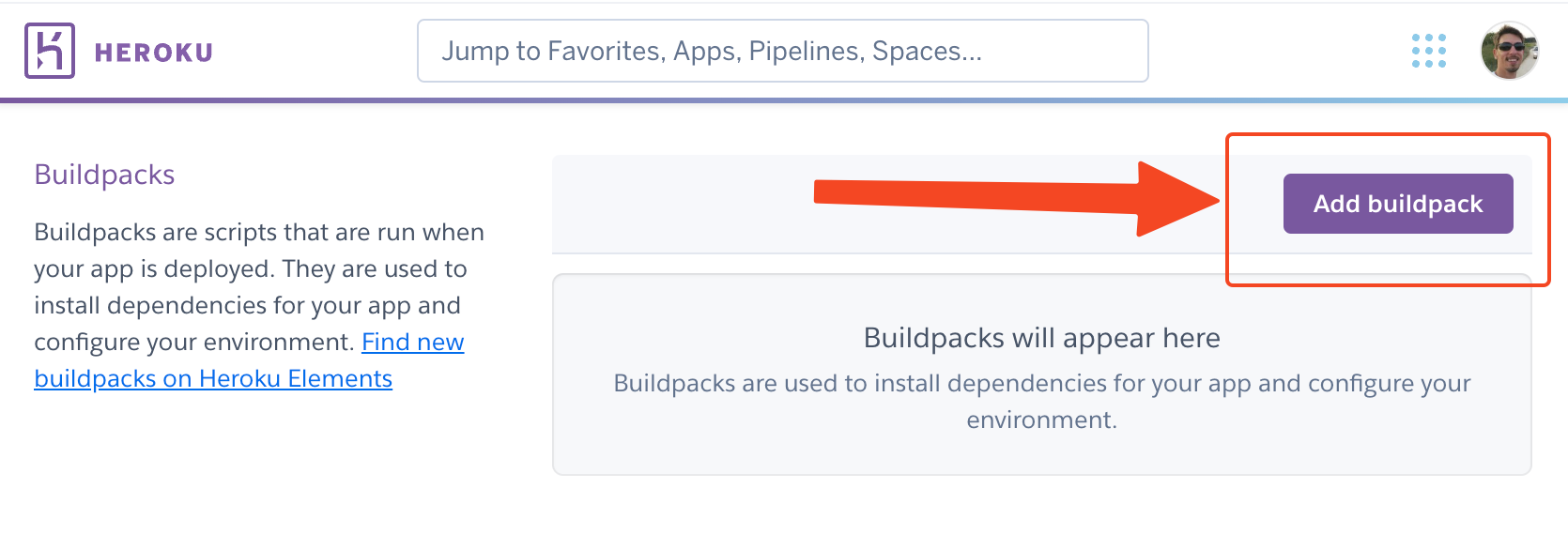
2.3. Select
heroku/nodejsfrom selection options or type it in the input box, and clickSave changes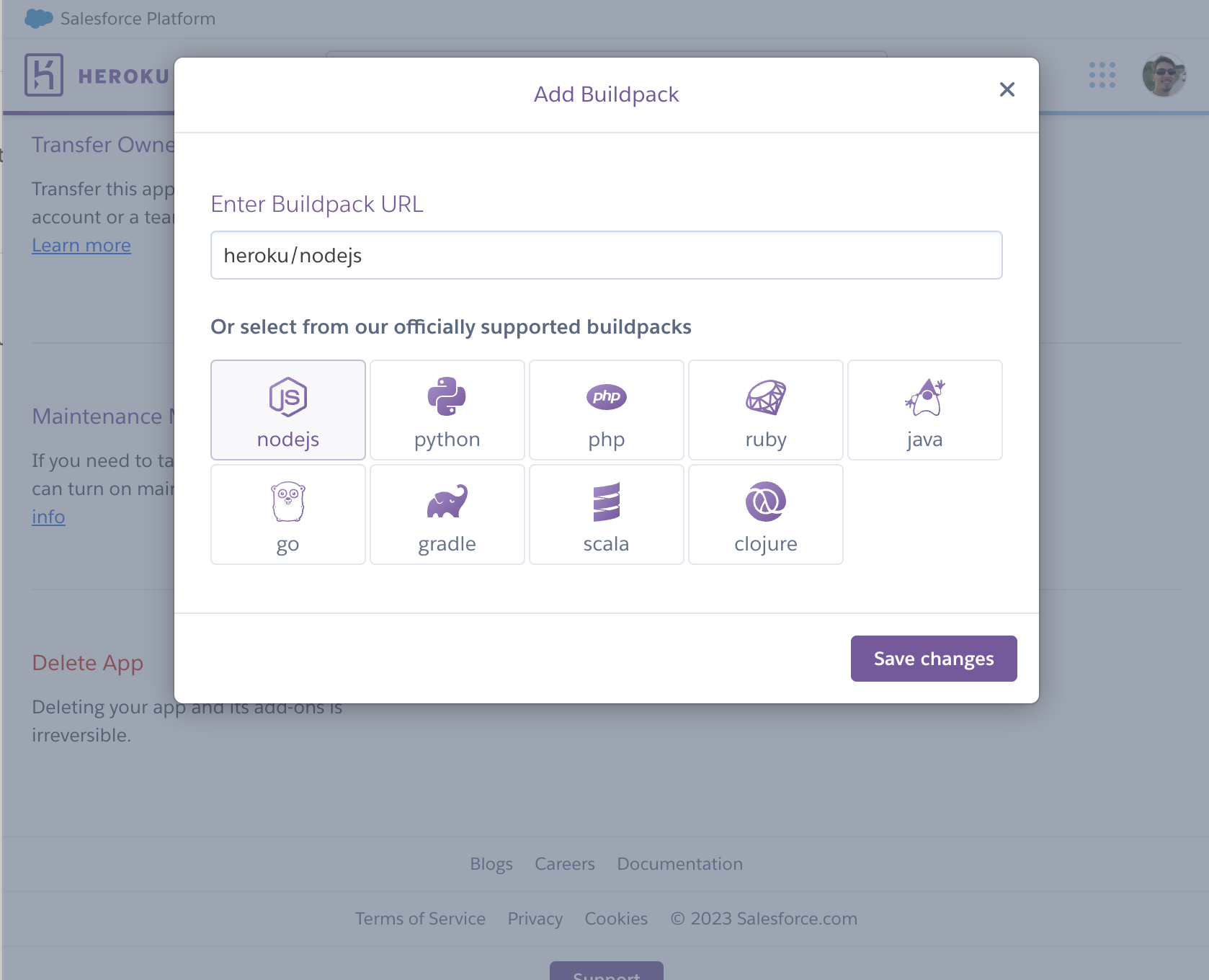
You should now have a buildpack added to your Heroku app.
Create Deployment using Github
3.1. Click on
Deploytab3.2. Scroll down to
Deployment methodsection and clickConnect to Github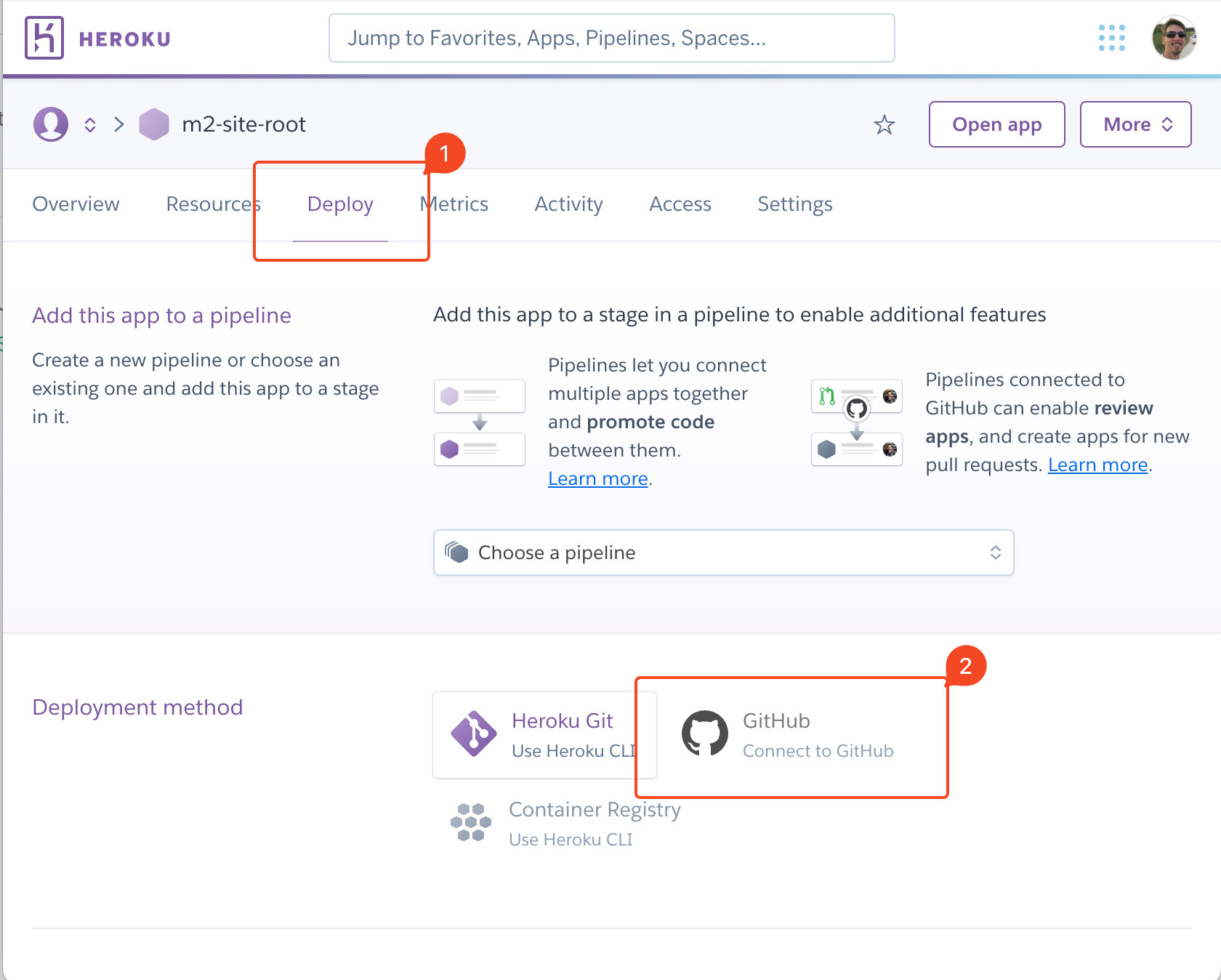
3.3. Select your Github repository and click
Connect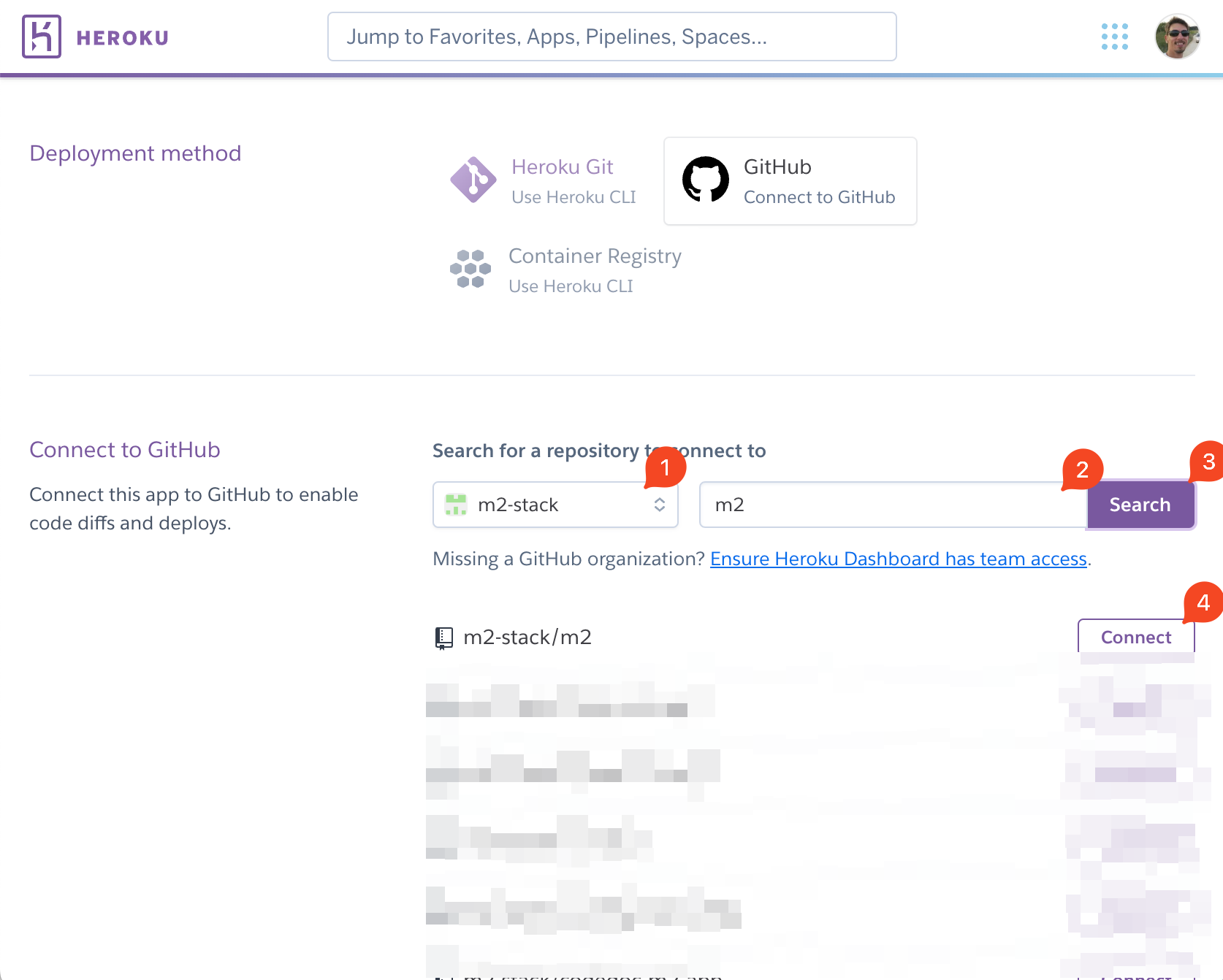
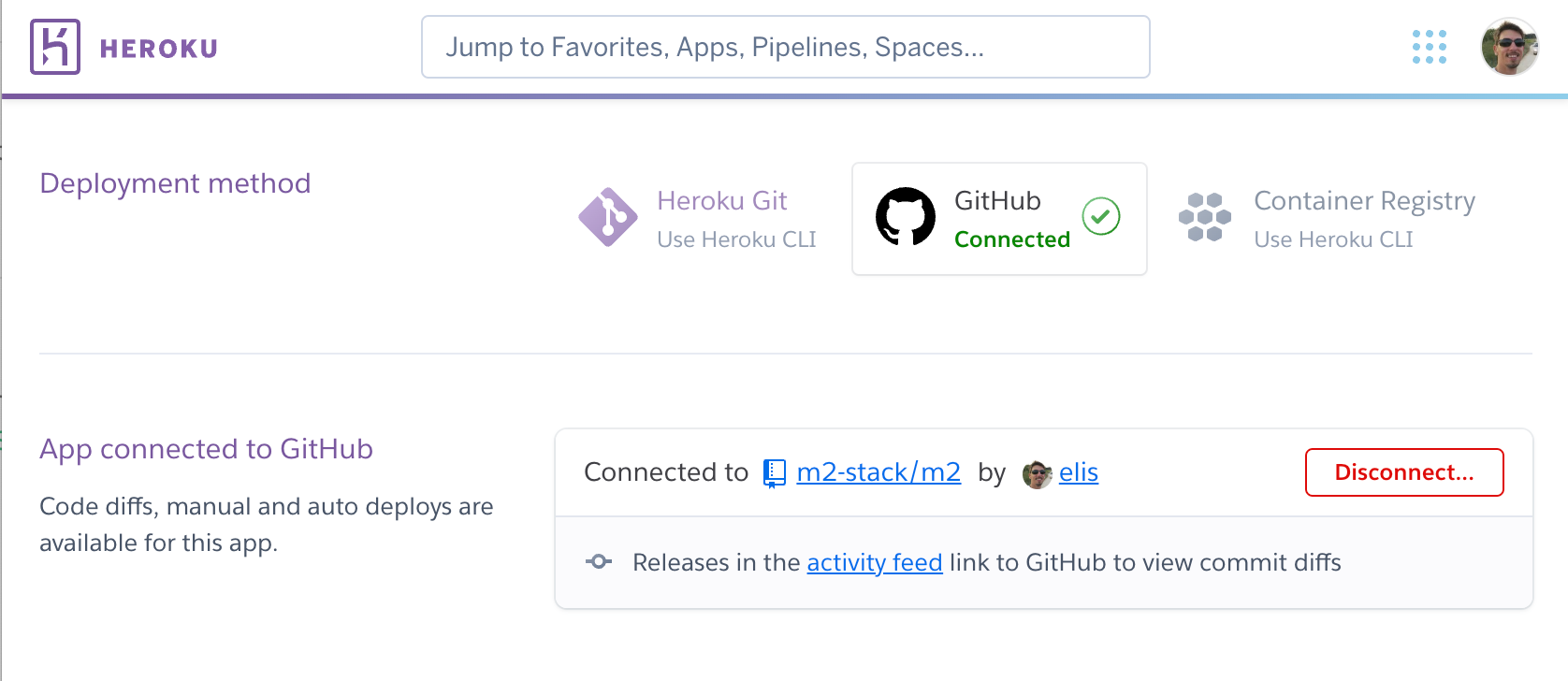
You should now have your Github repository connected to your Heroku app.
3.4. Scroll down to
Manual deploysection, select the desired branch you'd like to deploy, and clickDeploy Branch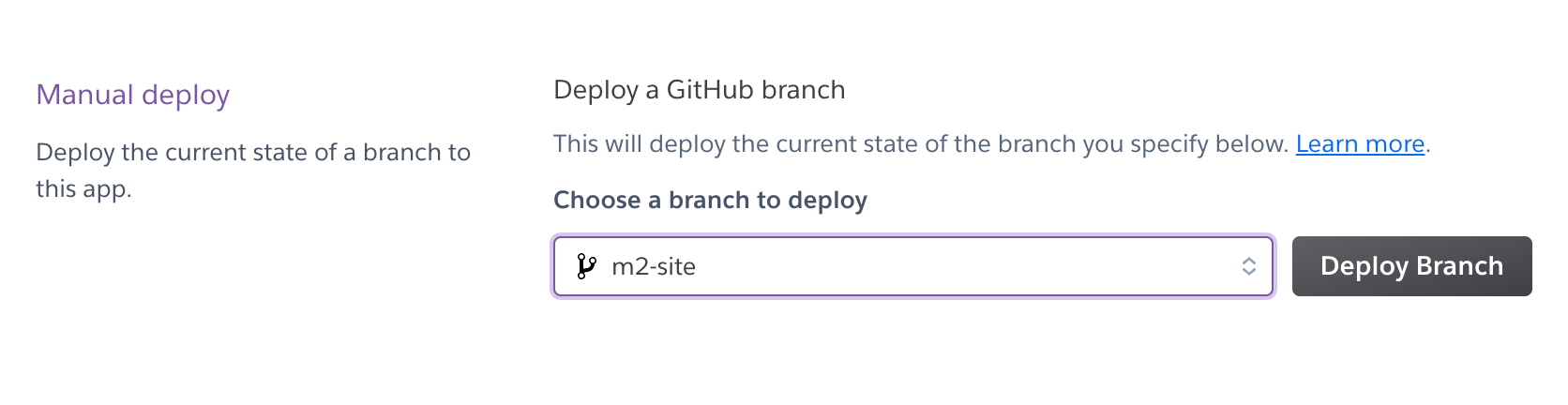
You can also enable automatic deploys by clicking
Enable Automatic Deploysbutton for the desired branch.You should keep an eye on the build progress by navigating to
Activitytab and watching the logs of the latest build.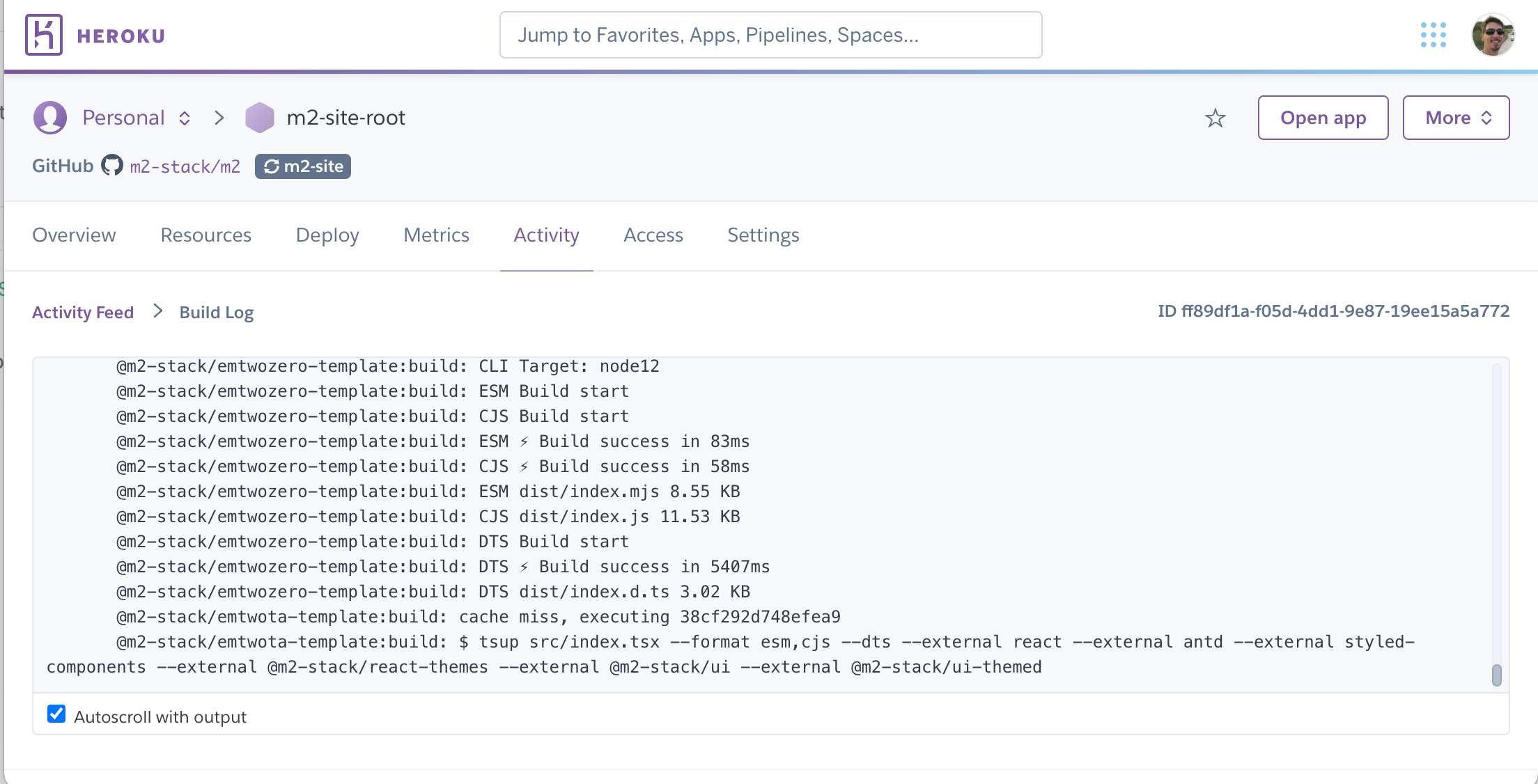
If everything went according to plan, heroku should now be building your app.
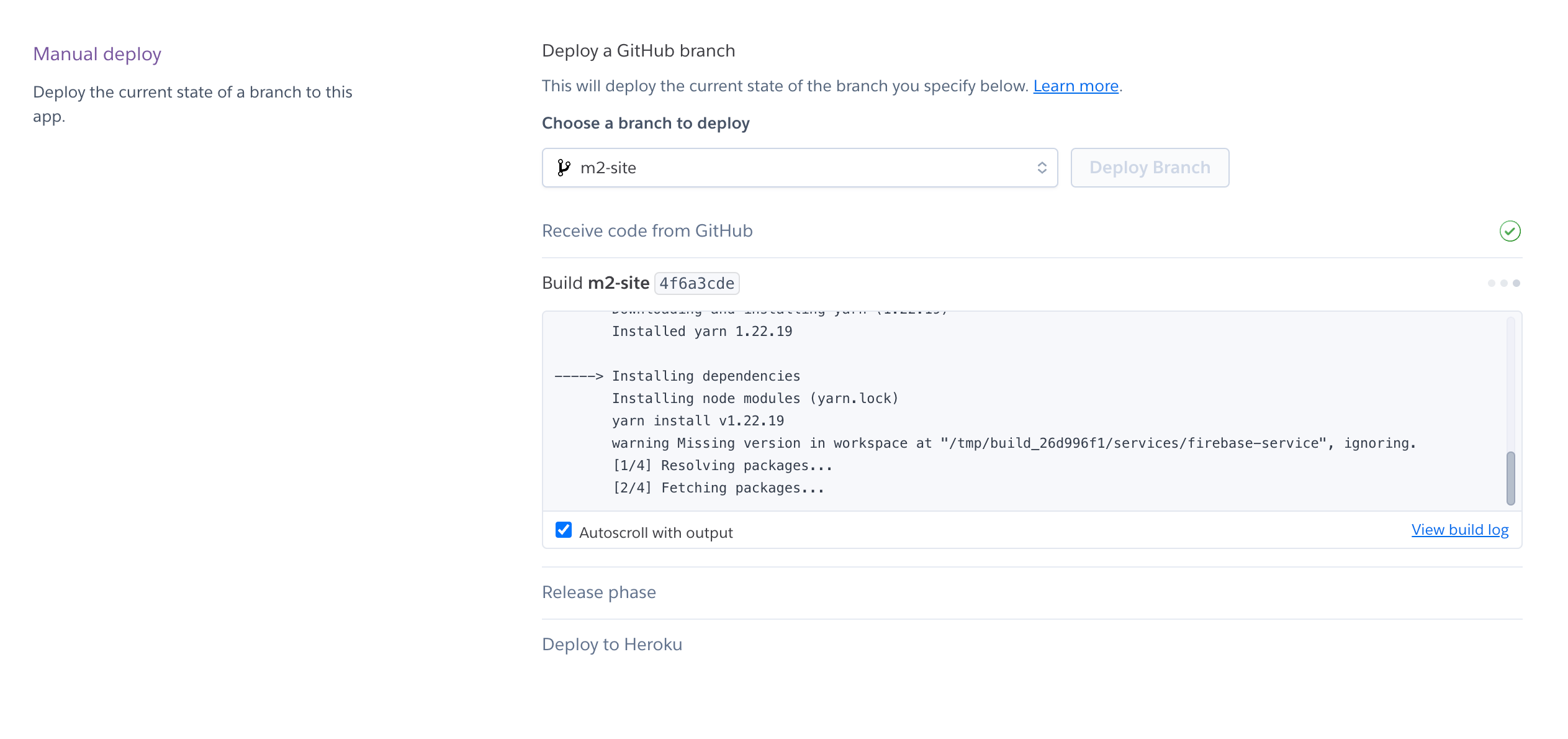
After the build is complete, you should see a message that says
Your app was successfully deployed.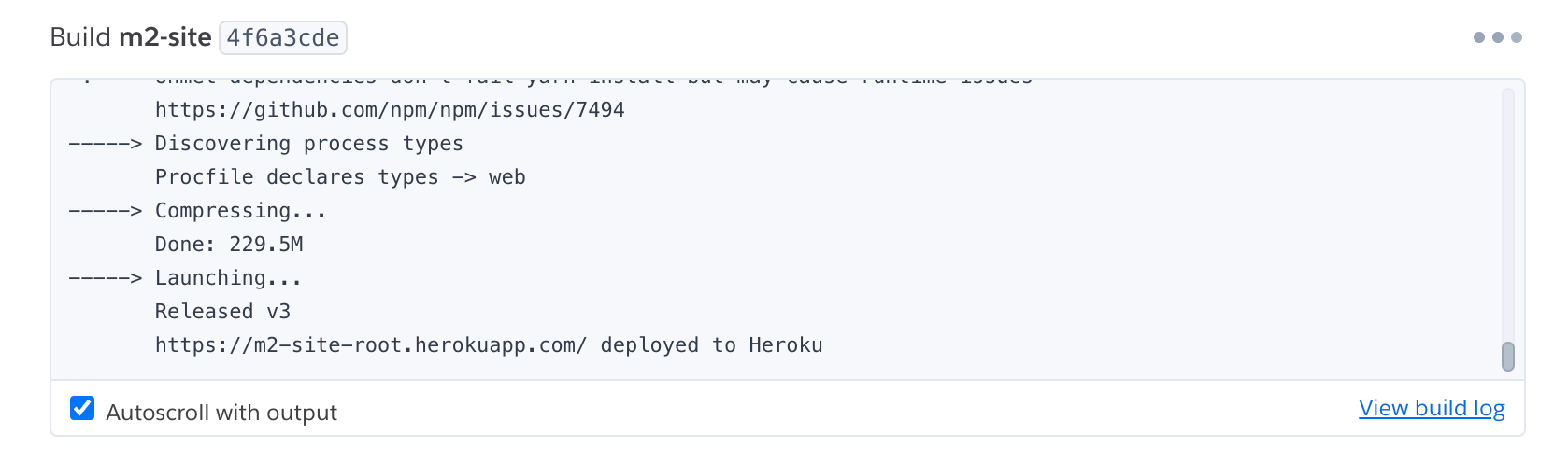
Issues
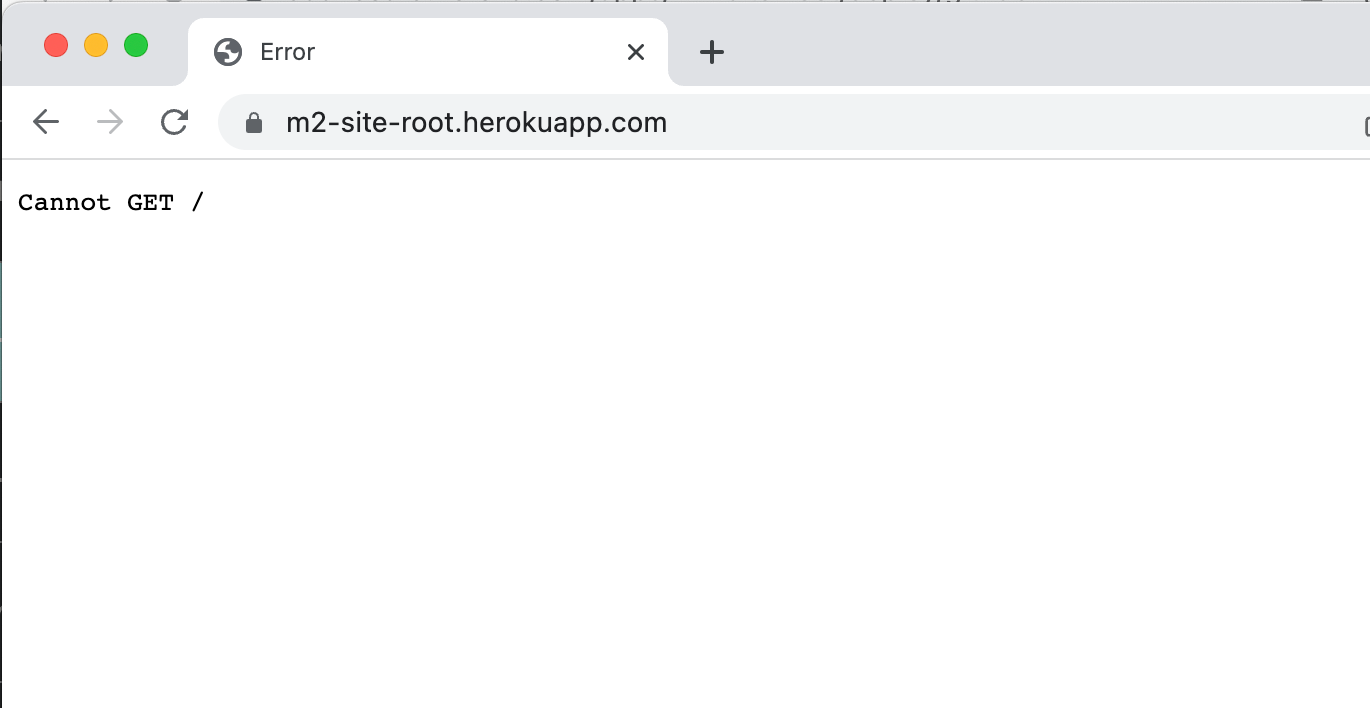
Cannot get /
If you see a Cannot get / error when you visit your Heroku app, it means that the app is not running. You can check the logs to see what's going on.
In terminal window type
heroku logs -a --tailwhich will begin streaming the logs from your Heroku app.Replace
with the name of your Heroku app.
You should see something like this:
bash2023-03-04T14:42:40.768169+00:00 app[api]: Release v3 created by user e********@gmail.com 2023-03-04T14:42:40.786771+00:00 app[api]: Scaled to web@1:Basic by user e********@gmail.com 2023-03-04T14:43:05.502291+00:00 heroku[web.1]: Starting process with command `yarn start-site` 2023-03-04T14:43:07.247285+00:00 app[web.1]: yarn run v1.22.19 2023-03-04T14:43:07.286038+00:00 app[web.1]: $ cd apps/m2-site-vps && yarn server:prod 2023-03-04T14:43:07.664033+00:00 app[web.1]: $ cross-env NODE_ENV=production ts-node ./server 2023-03-04T14:43:08.497179+00:00 app[web.1]: Server running at http://localhost:7737 2023-03-04T14:43:08.610082+00:00 heroku[web.1]: State changed from starting to up 2023-03-04T14:43:54.561469+00:00 app[web.1]: Error [ERR_UNSUPPORTED_DIR_IMPORT]: Directory import '/app/node_modules/react-icons/ri' is not supported resolving ES modules imported from /app/apps/m2-site-vps/dist/server/assets/index.page.6ed9ea56.js 2023-03-04T14:43:54.561499+00:00 app[web.1]: Did you mean to import react-icons/ri/index.js? 2023-03-04T14:43:54.561500+00:00 app[web.1]: at new NodeError (node:internal/errors:387:5) 2023-03-04T14:43:54.561500+00:00 app[web.1]: at finalizeResolution (node:internal/modules/esm/resolve:326:17) 2023-03-04T14:43:54.561500+00:00 app[web.1]: at moduleResolve (node:internal/modules/esm/resolve:907:10) 2023-03-04T14:43:54.561500+00:00 app[web.1]: at defaultResolve (node:internal/modules/esm/resolve:1115:11) 2023-03-04T14:43:54.561501+00:00 app[web.1]: at nextResolve (node:internal/modules/esm/loader:163:28) 2023-03-04T14:43:54.561501+00:00 app[web.1]: at ESMLoader.resolve (node:internal/modules/esm/loader:841:30) 2023-03-04T14:43:54.561502+00:00 app[web.1]: at ESMLoader.getModuleJob (node:internal/modules/esm/loader:424:18) 2023-03-04T14:43:54.561502+00:00 app[web.1]: at ModuleWrap.<anonymous> (node:internal/modules/esm/module_job:76:40) 2023-03-04T14:43:54.561502+00:00 app[web.1]: at link (node:internal/modules/esm/module_job:75:36) 2023-03-04T14:43:54.576185+00:00 app[web.1]: Error [ERR_UNSUPPORTED_DIR_IMPORT]: Directory import '/app/node_modules/react-icons/ri' is not supported resolving ES modules imported from /app/apps/m2-site-vps/dist/server/assets/_default.page.server.a3234b5f.js 2023-03-04T14:43:54.576187+00:00 app[web.1]: Did you mean to import react-icons/ri/index.js? 2023-03-04T14:43:54.576188+00:00 app[web.1]: at new NodeError (node:internal/errors:387:5) 2023-03-04T14:43:54.576188+00:00 app[web.1]: at finalizeResolution (node:internal/modules/esm/resolve:326:17) 2023-03-04T14:43:54.576189+00:00 app[web.1]: at moduleResolve (node:internal/modules/esm/resolve:907:10) 2023-03-04T14:43:54.576189+00:00 app[web.1]: at defaultResolve (node:internal/modules/esm/resolve:1115:11) 2023-03-04T14:43:54.576189+00:00 app[web.1]: at nextResolve (node:internal/modules/esm/loader:163:28) 2023-03-04T14:43:54.576190+00:00 app[web.1]: at ESMLoader.resolve (node:internal/modules/esm/loader:841:30) 2023-03-04T14:43:54.576190+00:00 app[web.1]: at ESMLoader.getModuleJob (node:internal/modules/esm/loader:424:18) 2023-03-04T14:43:54.576190+00:00 app[web.1]: at ModuleWrap.<anonymous> (node:internal/modules/esm/module_job:76:40) 2023-03-04T14:43:54.576191+00:00 app[web.1]: at link (node:internal/modules/esm/module_job:75:36) 2023-03-04T14:43:54.590098+00:00 heroku[router]: at=info method=GET path="/" host=m2-site-root.herokuapp.com request_id=8e226a52-6bdc-4758-bce8-b0ca06a02e1e fwd="79.177.38.116" dyno=web.1 connect=0ms service=54ms status=404 bytes=406 protocol=https 2023-03-04T14:44:42.822414+00:00 heroku[router]: at=info method=GET path="/" host=m2-site-root.herokuapp.com request_id=17949aab-0939-4bd7-8462-e032a3e0bb07 fwd="79.177.38.116" dyno=web.1 connect=0ms service=4ms status=404 bytes=406 protocol=https 2023-03-04T14:46:34.000000+00:00 app[api]: Build succeededIn the case presented there's a missing dependency that's not accessible to the app. In my case it's a simple solution of adding
react-iconsto mypackage.json. In your case the issue might be a different one.